
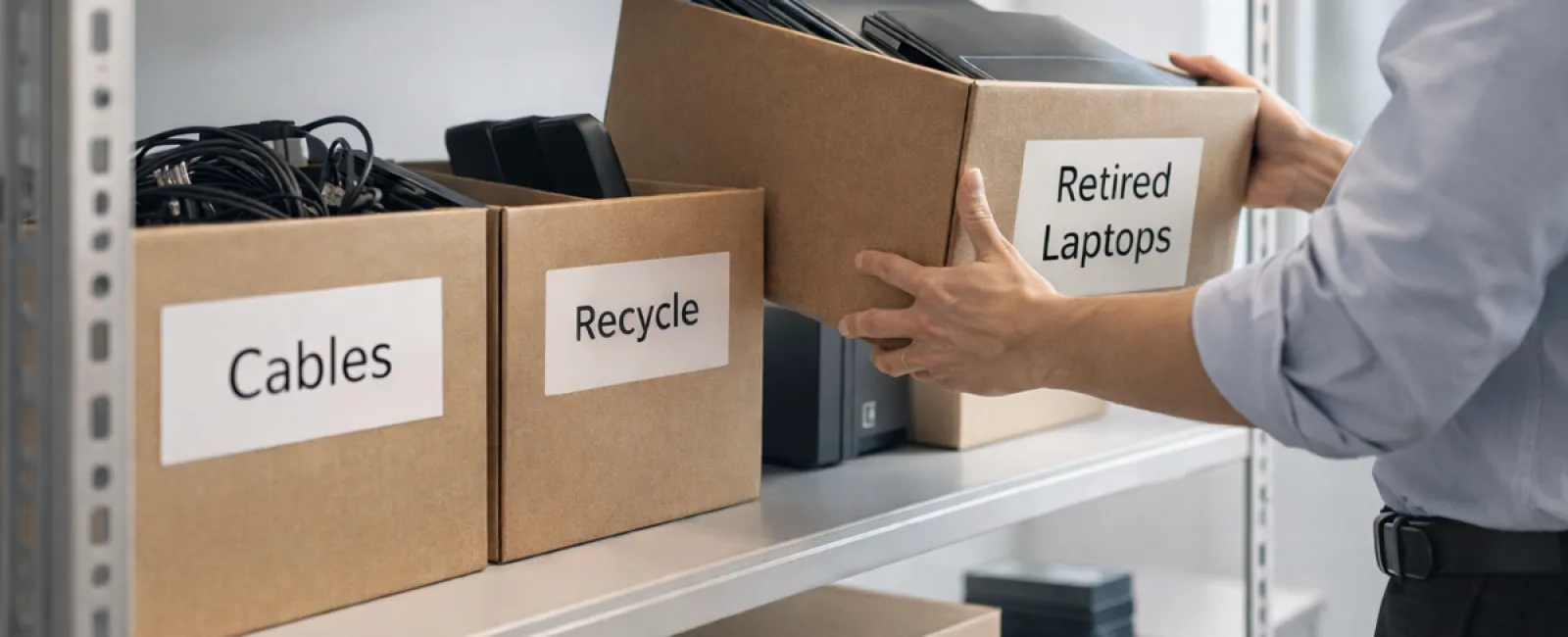
While spring cleaning often means tackling closets, most businesses face clutter that goes far beyond the racks.
It might be tangled in a server rack, buried in storage rooms, left in back offices, or piled up under labels like "we'll handle later."
Aging laptops, obsolete printers, backup drives from outdated systems, and boxes of miscellaneous cables kept "just in case" are typical examples.
Every company ends up accumulating these items over time.
The real question is not if you have this clutter, but whether you have a strategic plan for its proper disposal or reuse.
Technology Follows a Lifecycle — Beyond Its Purchase Date
Purchasing new tech usually aligns with clear goals: enhanced speed, better security, increased capabilities, or supporting growth.
While most companies carefully consider how to acquire technology, few plan for its responsible retirement.
Retiring equipment often occurs quietly—replaced devices get stored aside until someone eventually clears out the clutter.
This is common practice.
What's less typical is approaching tech retirement with the same deliberate care as purchasing.
Even old technology holds value—whether through reuse, recycled materials, or safeguarding sensitive data. Neglecting this can cause inefficiencies and wasted space.
Spring is the perfect season to evaluate: which devices still serve a purpose, and which are just occupying valuable space?
A Clear, Practical Strategy for Streamlining Your Tech
To move beyond vague intentions, apply our straightforward four-step method.
Step 1: Inventory Your Assets
Identify every item slated for retirement—laptops, phones, printers, network hardware, external drives, and more. You can't manage what's not accounted for; a thorough walkthrough often uncovers unexpected items.
Step 2: Choose Each Device's Fate
Devices usually fall into three groups: reuse (internally or by donation), recycle (via certified e-waste programs), or destroy (to protect sensitive data). Make intentional choices to prevent clutter from lingering indefinitely.
Step 3: Properly Prepare Devices
Careful preparation is crucial.
For reuse or donation, remove devices from management systems, revoke user access, and ensure thorough data wiping—not just simple resets. Deleted files often remain recoverable until securely erased.
A study by data security firm Blancco revealed 42% of drives resold on eBay still held sensitive data, despite sellers claiming otherwise. Certified data erasure tools overwrite all sectors and provide verification reports.
If recycling, always use certified e-waste providers—not local dumpsters or curbside pickups. For businesses, programs like Best Buy's recycling are not suitable as they're intended for residential users only.
Partner with certified IT asset disposition (ITAD) companies or business-focused recyclers with e-Stewards or R2 certifications, searchable on e-stewards.org and sustainableelectronics.org. Your IT provider can typically help coordinate this.
For destruction, employ certified data wiping or physical methods like shredding or degaussing, and maintain records including device serial numbers, destruction methods, dates, and handlers.
This approach isn't about paranoia—it's about closing the loop responsibly.
Step 4: Document and Finalize
After equipment leaves your premises, track its destination, how it was handled, and confirm access removal. Detailed documentation eliminates future uncertainties.
Devices Often Overlooked in Tech Retirement
While laptops often get prioritized, many other devices deserve attention.
Phones and tablets may preserve email accounts, contacts, or authentication apps. Basic factory resets cover most data, but for business devices, certified mobile wipe tools provide more complete security. Major manufacturers like Apple and Samsung also offer trade-in programs—even for older models—potentially earning you credit toward new tech.
Modern printers and copiers often house internal hard drives containing copies of everything printed, scanned, copied, or faxed. When returning leased units, secure written confirmation that these drives will be wiped or removed before redeployment.
Batteries are classified as hazardous waste under EPA guidelines, with several states banning business disposal of rechargeable batteries via regular trash. Remove batteries when possible, insulate terminals to prevent shorts, and drop them off at certified centers. Call2Recycle.org offers location maps, and retailers like Staples, Home Depot, and Lowe's also accept rechargeable batteries.
External drives and retired servers often linger forgotten in storage closets. While not inherently problematic, they still warrant the same structured retirement process.
Recycling: A Vital Reminder for Earth Day
April brings Earth Day awareness—a perfect prompt.
Electronic waste must never end in landfills. Globally, over 62 million metric tons of e-waste are generated yearly, yet only around 22% is properly recycled. Components like batteries, monitors, and circuit boards require designated recycling paths, with many communities offering certified e-waste programs.
Proper tech retirement promotes operational efficiency, environmental responsibility, and strategic clarity—you don't have to sacrifice security to be responsible; you can achieve both.
This commitment is also a positive story to share with customers via your company's social media channels. Thoughtful action often earns quiet admiration.
Unlocking Greater Possibilities
Spring cleaning isn't merely about disposal—it's about creating room for growth.
Clearing obsolete hardware is just the beginning. Taking a step back to evaluate your entire technology framework reveals if it truly supports your business operations and goals.
Hardware comes and goes; success today depends on software, systems, automation, and workflow design that drive efficiency and profitability.
While retiring outdated equipment keeps things orderly, aligning your full tech ecosystem with your ambitions ensures sustainable progress.
How We Support You
If you already have a streamlined process for retiring equipment, that's excellent. It should feel straightforward and routine.
But as you responsibly replace hardware, it's also crucial to periodically assess if your systems and tools are optimized. Are they integrated well? Do they contribute to growth, or merely maintain status quo?
We're ready to have a no-pressure conversation about how your technology stack can better boost productivity and profitability.
No equipment checklists. No sales pitches. Just a practical discussion focused on making technology work harder for your business.
Click here or give us a call at 929-523-2921 to schedule your free Call With Our CEO.
If this advice inspires you, please share it with fellow business owners.
Remember, spring cleaning extends beyond closets—it's about refreshing the systems powering your business.


